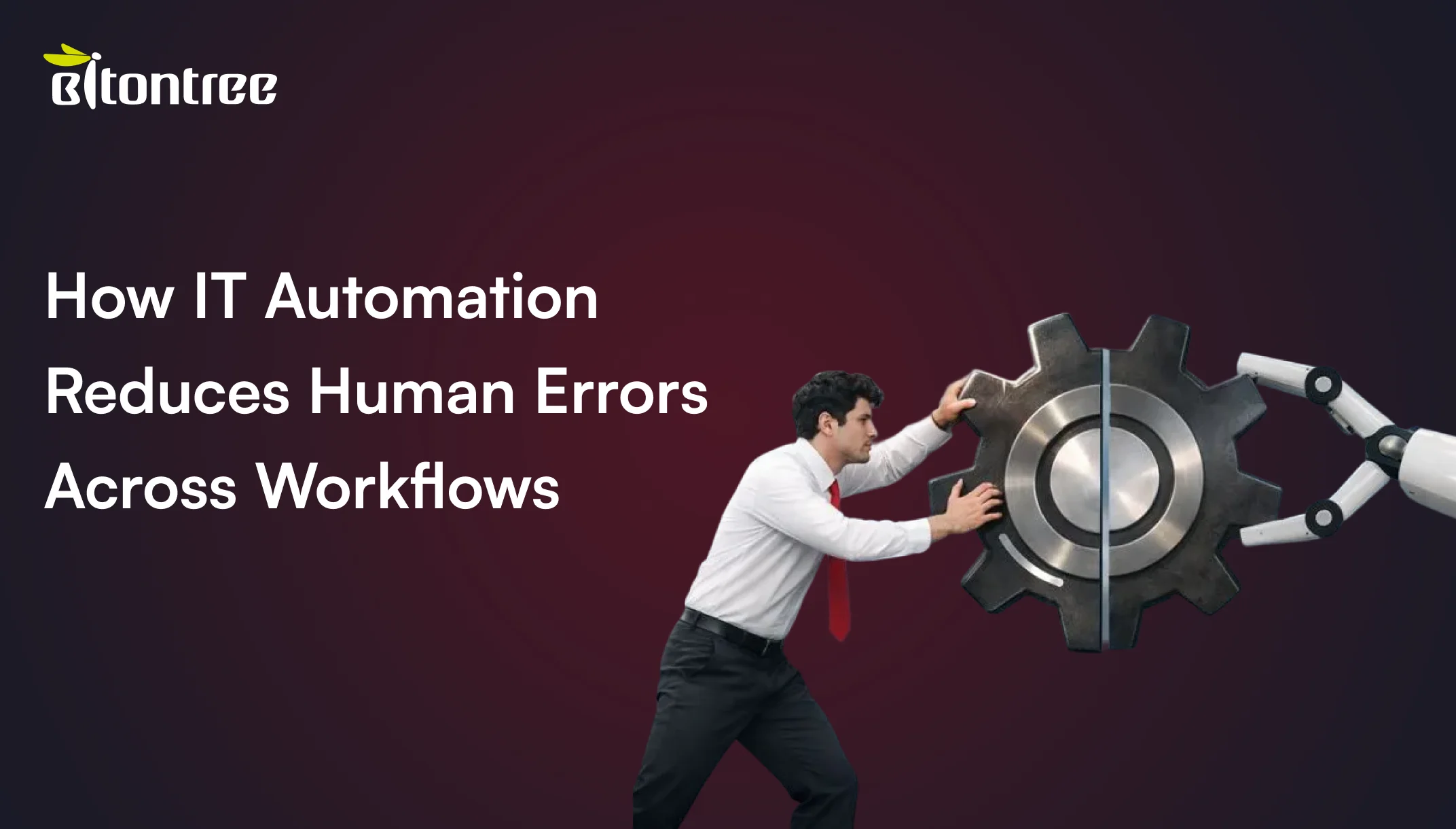


No matter how experienced your team is, human errors are unavoidable and are often the most unpredictable cost drivers in business operations. Whether it’s an incorrect server setup, a billing error, missed patches, or a simple configuration error, even a minor oversight can trigger disruptions across multiple departments.
According to the Uptime Institute’s 2024 Resilience Study, over two-thirds to four-fifths of all downtime is caused by human error. However, with a majority of the businesses in the USA expanding their digital systems, many are turning to IT automation services to limit these human errors while keeping operations fast and consistent.
This blog explores where these errors typically originate, how automation reduces human errors across workflows, and why you should adopt intelligent automation solutions to shape modern enterprises.
What Is IT Automation and Where Does It Fit in Modern Business?
IT automation, in its simplest definition, means using software, systems, scripts, or intelligent solutions to automate manual processes such that all the processes run automatically with minimal human intervention. By automating repetitive IT tasks, enterprises can liberate IT staff to engage in more strategic work that requires human oversight, rather than spending hours on monotonous activities.
In terms of modern enterprises, IT automation has moved beyond technical upgrade; it has become an operational necessity. From managing infrastructure to monitoring systems, synchronizing data, to handling service requests, etc, the IT automation performs silently in the background by using rule-driven processes. Such structured execution of tasks is necessary to reduce costly mistakes in modern IT businesses.
Why Human Errors Commonly Occur in Business and IT Workflows
You might be having a team driven by experts in their respective domains; however, manual or human-driven processes are prone to errors.
- Monotonous and Tedious Manual Work: Repetitive tasks such as data input and manual billing can cause errors through boredom and exhaustion.
- Context Switching and Multi-Tasking: Multitasking or switching to tasks often leads to poor concentration because of the higher cognitive load and forgetfulness. When handling numerous issues simultaneously, IT teams can lose track of details.
- Manual Data Entry and Irregular Processes: Mismatched processes in data entry mean subjective interpretation, which causes reporting and decision-making errors.
- Lack of communication between Teams or Systems: Communication gaps and instructions between commands may result in wastage of time, whereas a lack of cross-functional visibility can cause duplication of work or missed steps.
- Fatigue, Pressure, and Human Limitations: Long working hours, work pressure, and distraction can increase fatigue and directly impact decision accuracy.
Most organizations that want to overcome common human errors in IT workflows partner with leading AI automation agencies to automate repetitive tasks and boost productivity.
Here’s a table highlighting the various human error sources and how automation can fix them in real-time:
| Human Error Sources | How Automation Fixes Them |
|---|---|
| Repetitive manual tasks | RPA standardizes repetitive actions, eliminating inconsistencies and reducing execution errors. |
| Context switching | Workflow orchestration tools provide a unified interface, minimizing task switching and improving focus. |
| Miscommunication | Integrated collaboration systems deliver real-time updates, ensuring teams stay aligned. |
| Manual data entry | AI-powered OCR and validation automate data capture while maintaining accuracy and consistency. |
| Fatigue and pressure | Automated systems operate 24/7 without fatigue, ensuring reliable and rule-based execution. |
| Poor training gaps | Guided workflows and AI chatbots provide on-demand assistance and continuous learning support. |
| Cognitive biases | Data analytics with bias-detection algorithms promote objective, data-driven decision-making. |
How IT Automation Reduces Human Errors Across Critical Processes
Manual errors in IT processes are often a result of who is performing the task and in what state: fatigue, boredom, distracted, or under time constraints. IT automation can reduce the chances of errors caused due to manual handling and inconsistencies by:
- Following the defined rules of performing the tasks with precision and not assumptions or overlooking of the steps.
- Automating checkpoints and flagging anomalies, IT automation prevents errors from spreading across the connected systems.
- Setting up clear validation rules, the system sets up early warning signs to detect chances of errors.
- Maintaining activity logs makes audits and investigations far more efficient.
- Handling repetitive processes, IT automation allows teams to focus on processes that require strategic human oversight.

How AI Automation Services Go Beyond Basic Automation
By integrating machine learning, NLP, and agentic AI to create adaptive and intelligent workflows, AI automation services move beyond basic automation. Unlike rigid rule-based bots, these introduce:
Agentic Orchestration
Agentic process automation (APA) can allow AI agents to do a multi-step process, which replicates human decision-making in finance or supply chains. They combine generative AI with existing systems and process 400M+ automations annually and adjust to anomalies through real-time learning.
Predictive and Contextual Intelligence
AI copilots, including SAP Joule, are embedded in services and base their insights on business data, making tasks faster and proactive to provide recommendations.
Enterprise Customization
Low-code Custom agent builders allow creating role-specific assistants for HR or IT operations. Such customizations can provide aster insights, boost security in automation, achieve adherence to compliance, and improve ROI with quantifiable efficiency improvements.
Real-World Examples of Automation Reducing Human Errors
Here are some real-world examples outlining the companies that have adopted automation, including AI automation services in their business operations:

IT Service Desk Automation
A real-world example of automation that reduces human error in IT help desks is AI-driven ticket triage. Bots evaluate and route urgent requests and critical issues to a second-tier help desk, minimizing delays, misrouting, and human errors associated with processing high-priority tickets. Thus, resulting in faster and more accurate resolutions.
Several leading companies are using intelligent automation solutions to sort, classify, and route support tickets.
- Equinix: This global data center company uses Moveworks' AI assistant to classify thousands of IT support tickets with 96% accuracy.
- Khan Academy: Online learning platform uses automatic triage in the Zendesk system to prioritize and route support requests to the appropriate agent.
Finance and Billing Workflows
Automated invoice processing is a significant example of using optical character recognition (OCR) bots and RPA to extract and validate invoice data to improve accuracy, speed payments, and reduce late fees by minimizing manual entry errors.
Examples:
- Agilent Technologies: This company used SS&C Blue Prism products to automate invoice processing using robotic process automation (RPA) with optical character recognition and machine learning.
- Amazon: Uses OCR to streamline operations across its vast supply chain, quickly scanning and processing invoices for thousands of suppliers.
HR & Onboarding Processes
A real-world example of HR automation is a digital onboarding system that allows new employees to enter their information once; later, the system automatically fills out various forms and systems. This process reduces manual entry errors, ensures data consistency, and offers an error-free onboarding for employees.
Example:
- Bajaj Allianz: A leading life insurance company uses AutomationEdge AI chatbot for Teams/WhatsApp that increased onboarding satisfaction (from 30% to 93%).
- IBM: Focuses on large-scale human resources management, replacing some HR roles with artificial intelligence systems.
Sales and CRM Processes
Automated lead assignment and data capture reduce human error by routing leads to sales reps based on criteria, automatic logging call details, thus eliminating typos and missed follow-ups. Example:
- HubSpot: Provides an AI-powered CRM with automated task management, real-time analytics, chatbots, and predictive lead scoring to improve sales productivity for users.
- Salesforce: Use Einstein AI development service to predict lead scores, recommend next actions, and automate tasks to help customers personalize interactions and maximize sales.
Operations and Manufacturing
Automating equipment monitoring processes, scheduling maintenance, and automatic adjusting production parameters can reduce misalignments due to inconsistent manual checks and reduce errors due to repeated operational monitoring, causing fatigue.
Example:
- Tesla: Tesla uses robotics and artificial intelligence in its Gigafactory and with automated production lines. This automation reduces production time and costs using robotic arms and automated guided vehicles for material handling.
- General Electric (GE): GE uses automation and connected sensors to monitor equipment health, predict maintenance needs, reduce unplanned downtime, and realize operational efficiencies.
When Should a Business Consider IT Automation?
The following are the Key Signs Your Business is Ready for Automation:
1. Your Team is Wasting Too Much Time on Repetitive Tasks
If everyday repetitive tasks are consuming most of the time of your employees, then it’s a sign that you must consider adopting IT automation in your business operations.
2. You're Struggling with Operational Scalability
When you want to serve more customers while managing expanding operations and complex processes, but are afraid of sacrificing quality, then it’s time to switch. Focus on considering IT automation to scale effectively.
3. Your Current Systems Aren’t Integrated
If you are observing several incidents of mistakes due to manual data transfer between separate tools, resulting in inefficiencies. Then, understand that data migration can often go wrong in traditional manual systems. Therefore, availing IT automation services becomes essential.
4. Compliance & Security Risks Are Increasing
If manually managing data security and compliance (HIPAA, GDPR, SOC 2) has become difficult, then adopting automation can be your rescue. It can help maintain auditable records, ensure that your enterprise processes adhere to industry standards, regulations and data protection laws strictly.
How AI Automation Services Are Implemented (Step-by-Step Process)

Step 1: Identify the Most Time-Consuming, Repetitive Tasks
Start by identifying your enterprise operations bottlenecks. Your business could have repetitive tasks that are slowing down your operations and draining productivity. Look out for such processes and pinpoint the inefficiencies.
Let's look at some common bottlenecks:
- Manual data entry
- Inconsistent compliance tracking
- Ill-defined processes
- Key human resources shortfalls
- Machine capacity not meeting demand
Step 2: Define Key Automation Goals
The more specific you are with your automation strategy, the better results you will derive. The best way is to have some concrete goals.
Ask yourself whether you want streamlined workflows, reduced human errors, improved ROI, or a boost in employee morale by reducing boredom from repetitive tasks?
Step 3: Assess Your Current Technology Stack
Go through your existing technology stack and evaluate:
- Software and Tools: Understand the project management, CRM platforms, and HelpDesk tools that are being used currently.
- Integration Capabilities: Review the available APIs, plug-in packages and native integration options.
- Technical Requirements: Assess what level of expertise is required, extended costs requirements for additional tools or licenses, or the need for any potential vendor lock-in risks.
Step 4: Involve Key Stakeholders Early
Getting buy-in early is always helpful for the smooth implementation of intelligent automation solutions. It is important to involve key stakeholders, including leadership, IT teams, and operational managers. You can expect to gather stakeholder feedback and proactively address any concerns.
Step 5: Start with a Pilot Project
Automating everything at once can be a bold and daunting endeavor. Therefore, consider initiating a pilot project to gauge the viability of your approach. This enables adjustments, identifies potential issues, and makes improvements in automation strategy if required.
Step 6: Choose the Right Automation Partner
Lastly, it is important to select the right vendor that offers reliable AI development services for building a successful automation strategy.
How to Choose the Right Provider for IT Automation Services
Choosing the right IT Automation Service Provider with Custom AI Solutions is an important decision that goes beyond the tools and technologies they bring. It requires a deep understanding of how well the provider aligns with your specific business goals and the intricacies of your infrastructure.
- Strategic Alignment: The provider should understand how automation fits into your business goals and be able to map them out clearly.
- Domain Expertise: Look for established experience in your industry, including AI chatbot development services. Evaluate their case studies and testimonials from satisfied clients.
- Security & Compliance: Your ideal IT automation partner should have strong governance certifications like SOC 2 and ISO 27001.
- Scalability & Speed: The specific AI automation agency should be able to scale with you and do things quickly.
- Cost Transparency: They should also provide pricing models that allow for a predictable ROI.
Conclusion
Every organization has different challenges concerning IT operations. First, identify the manual tasks that consume the most time or have the greatest risk of human error. Prioritize process automation efforts that align with business continuity, compliance, and scalability. Use AI chatbot development services and real-time orchestration to enhance operational efficiency and support continuous optimization. Automation is now an integral part of IT strategy for organizations, so integrate it by partnering with a leading provider that can help you drive efficiency, minimize errors and risks, and ensure consistency within complex environments.
Contact Bitontree to discover how automation can boost uptime and allow your team to concentrate on which processes truly demand automation and get proficient Custom AI solutions for your business operations today!

I am the founder and CEO of Bitontree, where I lead embedded AI engineering teams that build and run production AI: agents, RAG and knowledge systems, document AI, and workflow automation for healthcare, logistics, legal, and SaaS companies. I write about what it actually takes to ship AI that survives contact with production.
Frequently Asked Questions
How does IT automation help reduce human errors?
IT automation eliminates human error by performing repetitive tasks the same way every time, eliminating mistakes caused by tiredness, distraction, or oversight.
Which business processes are most affected by manual errors?
Data-intensive repetitive and customer-facing processes such as data entry, order processing, financial reconciliation, inventory management, and compliance reporting are most prone to manual errors.
Is IT automation expensive for small businesses?
No, IT automation does not have to be expensive for small businesses anymore. Some complex implementations may require high upfront costs, but many cloud-based options fit smaller budgets.
Can AI automation services eliminate human mistakes?
It is an overstatement to say that human error can be totally removed; IT automation may reduce its frequency and severity, but cannot eliminate it completely.
How long does it take to automate a workflow?
Automating IT workflows takes anywhere from a few days for simple tasks to several months for more complex ones, based on process complexities.
What is the difference between traditional automation and AI-powered automation?
Traditional automation relies on predefined rules applied rigidly in simple scripts and repetitive tasks like RPA. In contrast, AI-driven automation learns through machine learning, adapts accordingly, and then applies intelligent data-driven decision-making in addressing complex, dynamic situations such as language comprehension or trend prediction.